

Best Navigation Systems
Finding used cars with the best navigation systems can make every drive simpler, safer, and more enjoyable. This page highlights the most user friendly infotainment setups, from factory built navigation to seamless Apple CarPlay and Android Auto integration. Learn what features matter most, which models and years to target, and how to quickly evaluate a system during a test drive. We cover live traffic, voice commands, over the air map updates, offline maps, lane guidance, 3D landmarks, head up display mapping, and more. You will also find guidance on trim packages and common names like Sync, Uconnect, Entune, Starlink, and Mazda Connect. Whether you want the crisp clarity of a large built in screen or the familiarity of your phone, our feature focused shopping tips will help you choose confidently and avoid costly surprises.
Use this guide to compare features side by side, then browse our used inventory, research pages, and blog to go deeper on tech and trim levels. Helpful links include used-inventory, best-used-cars-with-apple-carplay, best-used-cars-with-android-auto, used-cars-with-best-infotainment-systems, used-cars-with-best-sound-systems, and best-used-cars-for-road-trips. For ownership and upkeep, visit schedule-service and contact-us.
Why great navigation matters in a used car
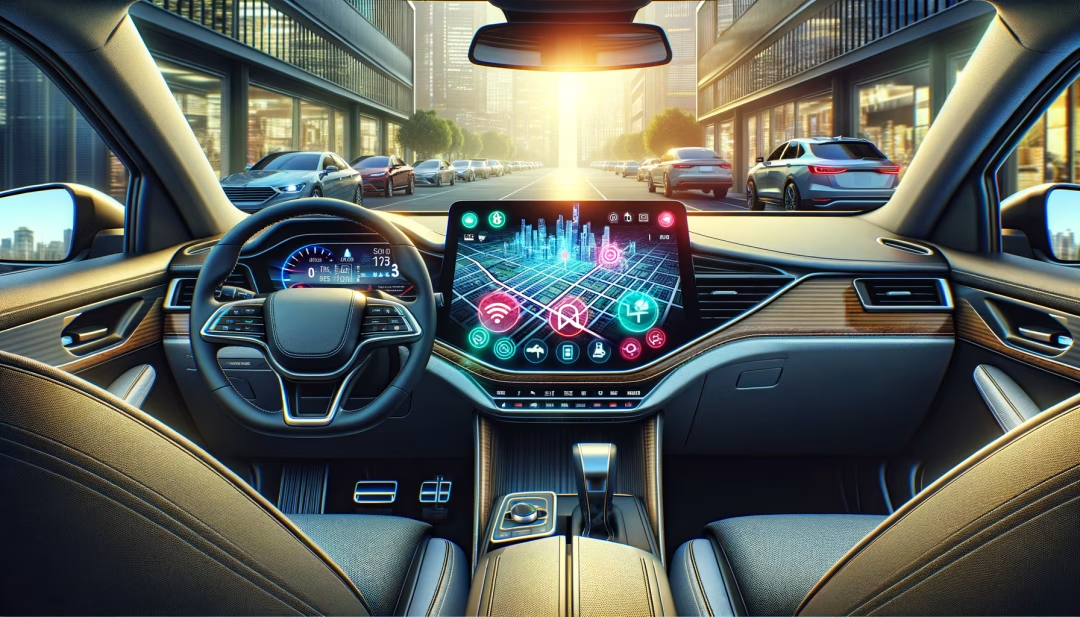
A top tier navigation system does more than draw a line on a map. It reduces driver workload, improves arrival accuracy, and helps avoid congestion, accidents, and road closures. When navigation is fast, clear, and easy to use, you spend less energy fiddling with menus and more time focused on the road. Strong infotainment also supports resale value because many shoppers now expect smartphone integration, voice control, and live traffic. Choosing used cars with the best navigation systems means you benefit from premium tech without paying new car prices.
Built in nav vs smartphone integration
Modern choices fall into three buckets. First, embedded OEM navigation that works even when a signal is weak, often with 3D mapping and lane guidance. Second, smartphone projection such as Apple CarPlay and Android Auto, which offers familiar apps, frequent updates, and voice assistants like Siri and Google Assistant. Third, hybrid systems that blend both, adding live traffic via data while keeping offline maps available. The best choice depends on your routes, signal strength, and preference for a native interface or phone based apps.
- Built in nav: strong offline reliability, instrument cluster prompts, and often better lane guidance
- CarPlay and Android Auto: familiar apps, current maps, frequent updates, robust voice control
- Hybrid setups: combine offline maps with connected traffic and cloud search
Top models known for strong navigation and infotainment
Below are commonly praised systems and trim names to look for when shopping used. Availability and features vary by year and package, so verify equipment on the specific vehicle.
- Toyota: Entune Premium Audio with Navigation on Camry, RAV4, Highlander, 4Runner, Prius, and Lexus Enform on Lexus models
- Honda: HondaLink with Navigation on Accord, Civic, CR V, Pilot, and Acura models with Acura Navigation System
- Ford: Sync 3 with Navigation and Sync 4 on F 150, Escape, Explorer, Edge, Mustang, and Lincoln with SYNC and built in nav
- Chrysler Dodge Jeep Ram: Uconnect 8.4 NAV or larger 10.1 inch Uconnect on Grand Cherokee, Wrangler, Ram 1500, Pacifica, Durango
- Hyundai and Kia: Navigation with Blue Link or Kia UVO, found on Sonata, Elantra, Santa Fe, Tucson, Sorento, Sportage, Telluride
- Subaru: Starlink with Navigation on Outback, Forester, Crosstrek, Legacy, Ascent using TomTom in many years
- Mazda: Mazda Connect with navigation SD card on Mazda3, Mazda6, CX 5, CX 9, newer models add larger screens and CarPlay or Android Auto
- Chevrolet GMC Buick Cadillac: MyLink or Infotainment 3 with built in nav on Silverado, Sierra, Tahoe, Yukon, Traverse, Equinox, Escalade
- Luxury standouts: BMW iDrive with Live Cockpit, Mercedes COMAND or MBUX with augmented reality, Audi MMI with Virtual Cockpit, Lexus Enform
Feature checklist for the best navigation experience
- Screen size and brightness: 8 inches or larger with anti glare is easier to see in bright light
- Fast processor and short route calculation time to avoid delays when rerouting in traffic
- Voice control with natural language and address dictation for eyes on road operation
- Live traffic and incident data via satellite or data connection for smarter routing
- Offline maps for rural areas with weak signal and no data dependency
- Lane guidance and 3D junction views to reduce last second lane changes near exits
- Over the air map updates or low cost SD card updates to keep roads current
- Heads up display prompts or cluster integration for minimal eye movement from the road
- EV route planning that includes charger availability and state of charge forecasting where applicable
How to evaluate a nav system during a test drive
You can learn a lot in five minutes. Before you drive, connect your phone, launch CarPlay or Android Auto if supported, and test voice dialing and address entry. Try a search for a nearby point of interest, then start guidance to a destination across town. Observe map redraw speed, rerouting time, and clarity of voice prompts. Toggle between 2D and 3D views and check if prompts also appear in the instrument cluster or head up display. Finally, park and review settings for map updates, traffic, and data or subscription requirements.
- Confirm the presence of a navigation SD card or module if the system requires it
- Check Bluetooth, USB ports, and wireless CarPlay or Android Auto stability
- Look for backup camera and 360 view integration with parking guidelines
- Review any active subscriptions like live traffic and connected services
Budget friendly picks by price range
Great navigation does not have to be expensive. Many models under typical budget thresholds include excellent screens, quick processors, and full phone projection. Compare what you find with our price focused pages to fine tune your search and expectations.
- Under 10000 dollars: prior generation midsize sedans and compact SUVs with CarPlay or Android Auto in later refresh years. See best-used-cars-under-10000 and most-reliable-used-cars-under-10000.
- Under 15000 dollars: strong picks include compact crossovers and sedans with Sync 3, Uconnect, or Starlink. See best-used-cars-under-15000 and best-used-suvs-under-15000.
- Under 20000 dollars: many models add larger screens, wireless charging, and more advanced driver assistance. See best-used-cars-under-20000 and best-used-suvs-under-20000.
Trim and package names to know
Manufacturers often bundle navigation into technology or premium packages. Common names include Sync 3 with Navigation, Sync 4, Uconnect 8.4 NAV, Toyota Entune Audio Plus with Connected Navigation, Entune Premium Audio with Integrated Navigation, Honda Satellite Linked Navigation, NissanConnect with Navigation, Subaru Starlink with Navigation, Mazda Connect Navigation using an SD card, and Hyundai or Kia navigation with Blue Link or UVO. When a system relies on an SD card, confirm the card is present, readable, and the map version is current.
Upgrades and retrofits for older vehicles
If a vehicle you love lacks navigation, ask about software updates that may add Apple CarPlay or Android Auto on certain years. Aftermarket head units can also deliver a modern interface, wireless projection, and better cameras. Quality installations retain steering wheel controls and integrate with factory cameras, microphones, amplifiers, and antennas. When choosing an upgrade, favor name brand units, keep wiring adapters simple, and verify that vehicle settings screens remain accessible after installation.
- Check for dealer campaigns that enable CarPlay or Android Auto with a firmware update
- Consider a wireless CarPlay adapter if the car only supports wired projection
- Verify microphone clarity and backup camera guide lines after any retrofit
Map updates, subscriptions, and ownership costs
Embedded navigation may require periodic map updates via SD card or over the air. Some brands include several years of updates while others sell update packages. Live traffic can come from satellite radio or a data plan. If you prefer no subscriptions, lean on CarPlay or Android Auto, which pulls free traffic data from your phone connectivity. Learn how ownership costs compare on used-cars-with-lowest-cost-of-ownership and get a sense of reliability on most-reliable-used-cars.
Helpful links for navigation focused shoppers
Related research and buying help
If you want a step by step approach to shopping, start with how-to-buy-a-used-car, then compare finance options on payment-options and applications, and use value-my-trade to prepare for valuation. For deeper tech comparisons, explore used-cars-with-best-navigation-systems alongside used-cars-with-best-infotainment-systems and used-cars-with-apple-carplay-and-android-auto. When you need owner perspective, look at used-vehicles-with-best-owner-ratings, and for peace of mind, see used-cars-with-best-safety-ratings and safest-used-cars. Our team profiles are at meet-our-staff and bios, and general information can be found at about-us and visitor-agreement.
Frequently Asked Questions
Explore inventory and research
When you are ready to compare features and trims, view used-inventory for current selections and sold-inventory for past examples. For broader tech and ownership insights, browse research-page-template, how-to-buy-a-used-car, used-car-buying-checklist, and used-car-warranty-guide. If you have questions about updates or subscriptions, reach out through contact-us or visit locations to find a store near you.
